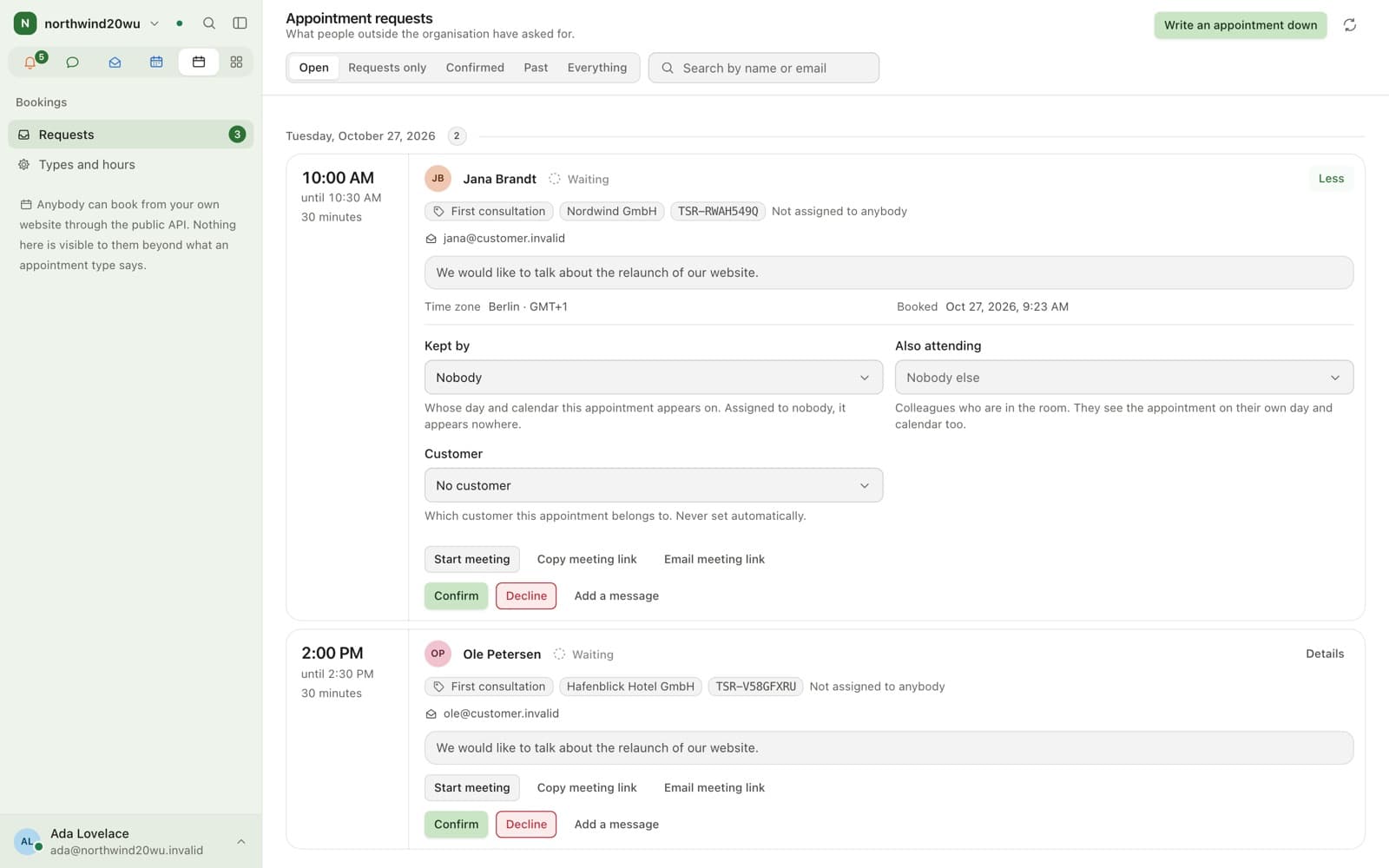
What happens to a request?
It confirms itself or waits for approval, per appointment type. Notifications go only to people inside the organisation.
- Absences read first, with Time
- Lands on the customer record, with Customers
- A finished appointment offers its hour
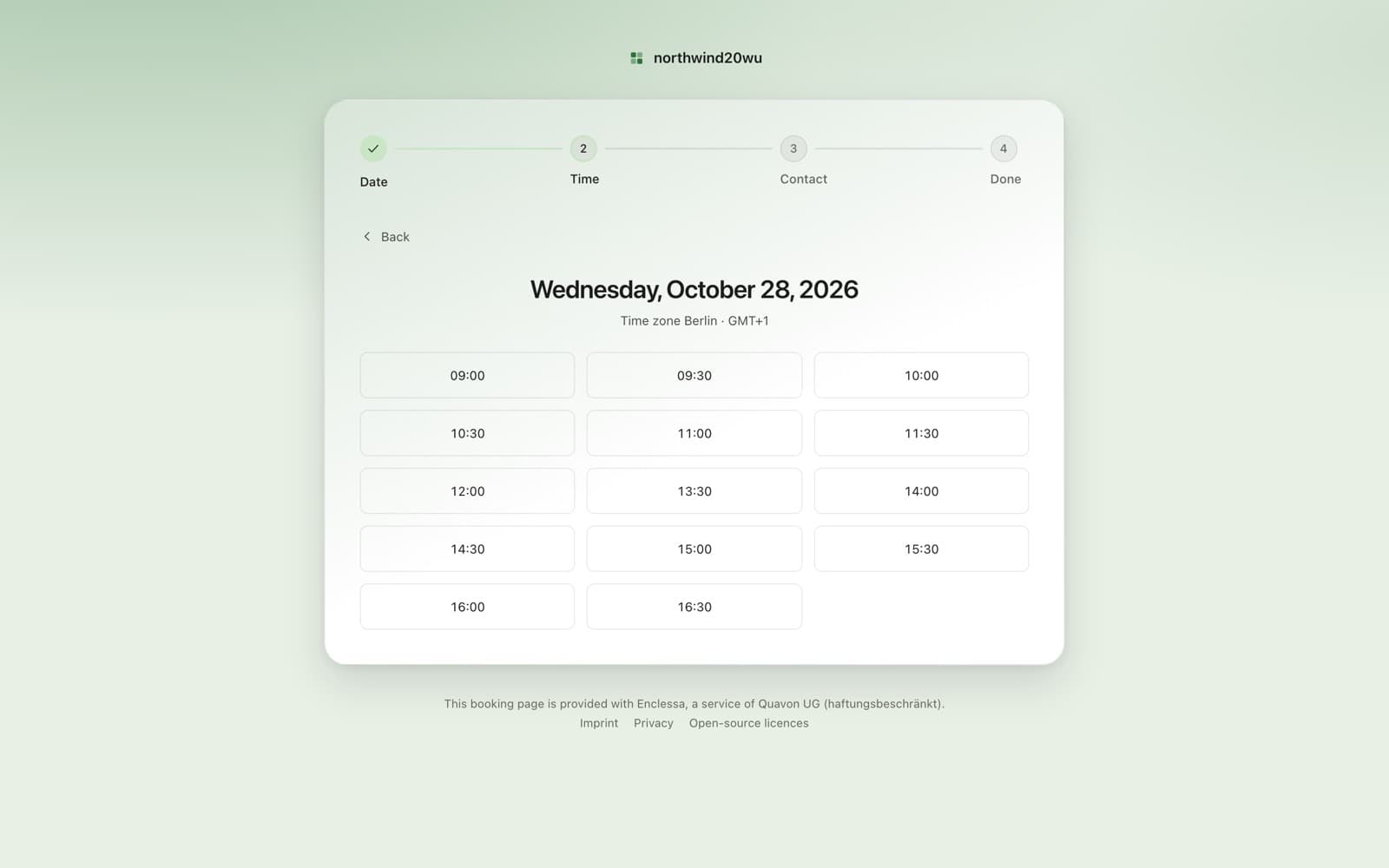
How does somebody outside reach it?
Your website embeds the public booking API, or you send a booking link that names the appointment types and an expiry.
Your websiteAPI embed
Booking linktypes · expiry
Requestauto-confirmor approve
- Availability
- Module, off by default
- Requires
- Nothing. It stands on its own
- Two ways in
- A public API your own site embeds, or a booking link we serve
- The visitor
- Needs no account, ever
Limits
What it does not do
It books time, not rooms, equipment or seats.
There is no payment step.
Keep exploring
Works with
See it in practice
FAQ
Questions
- Yes, with the optional Bookings module. Appointment types carry their own hours, duration and buffers. Visitors book through your website or a booking link.
- No. Bookings is the one surface on the platform that answers without a session. The visitor gets a link they can use to see or call off their own appointment, and never has an account.
- When the Time module is installed the appointment reads the day’s absences before a slot is offered. Buffers and duration are set per appointment type.
Bring your team over this afternoon
Free for up to 10 people, with encrypted direct messages and video calls. No payment card, no time limit, no server to run.
For businesses and organisations only — not available to consumers.