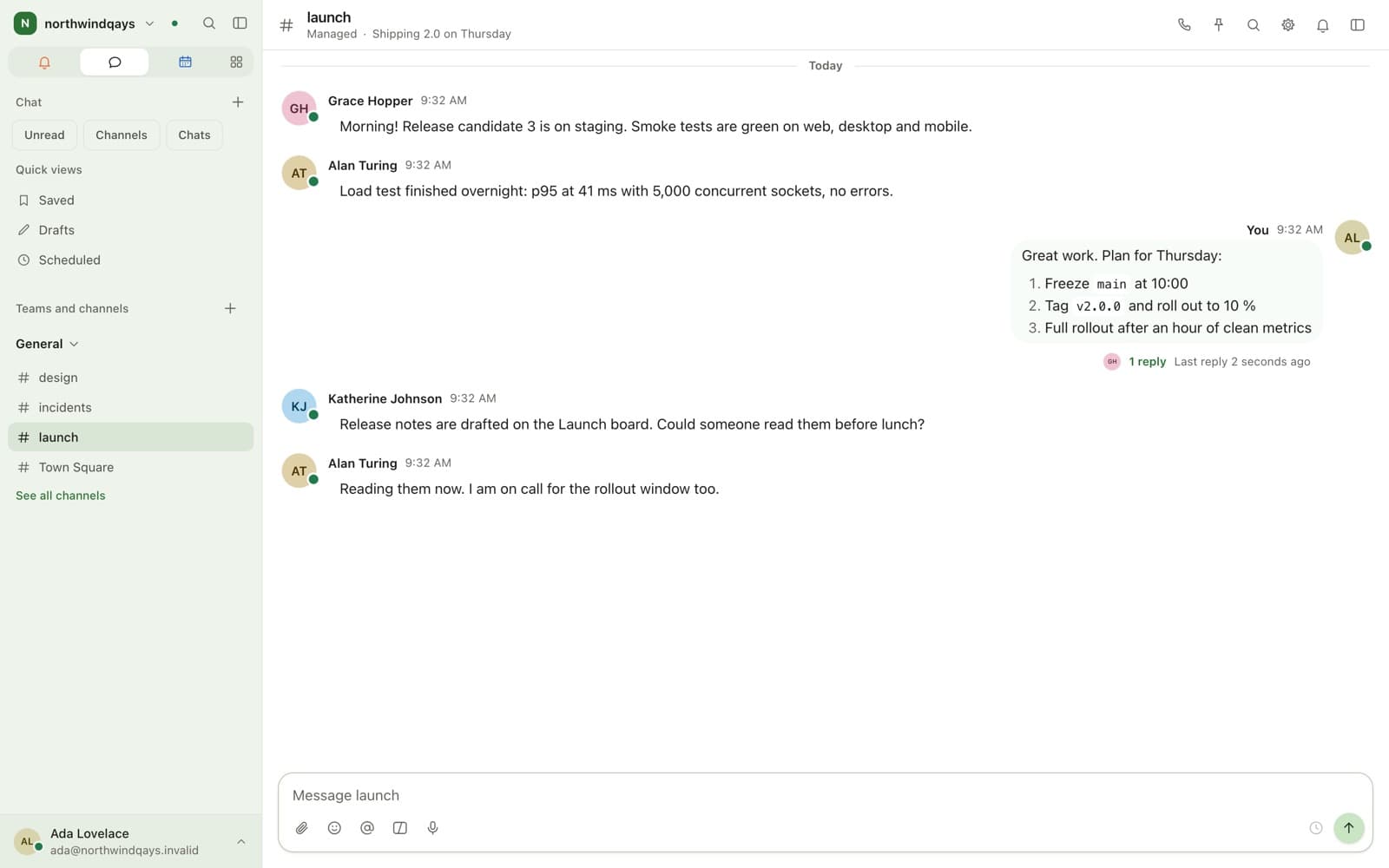
How is an organisation structured?
Teams hold categories, channels and roles. Channels are public to the team or private to the people invited.
- Public and private channels, DMs and group DMs
- Categories with their own ordering and permissions
- Favourites, mute and unread-only view
- Platform team
- Engineering
- release
- Thread · RC3
- incidents
Direct message E2EE
What can a message do?
Threads collapse under the message that started them and have an inbox of their own.
- Threads, reactions, pins, saves and permalinks
- Mentions for a person, a role, a group or @channel
- Scheduled messages, reminders and voice messages
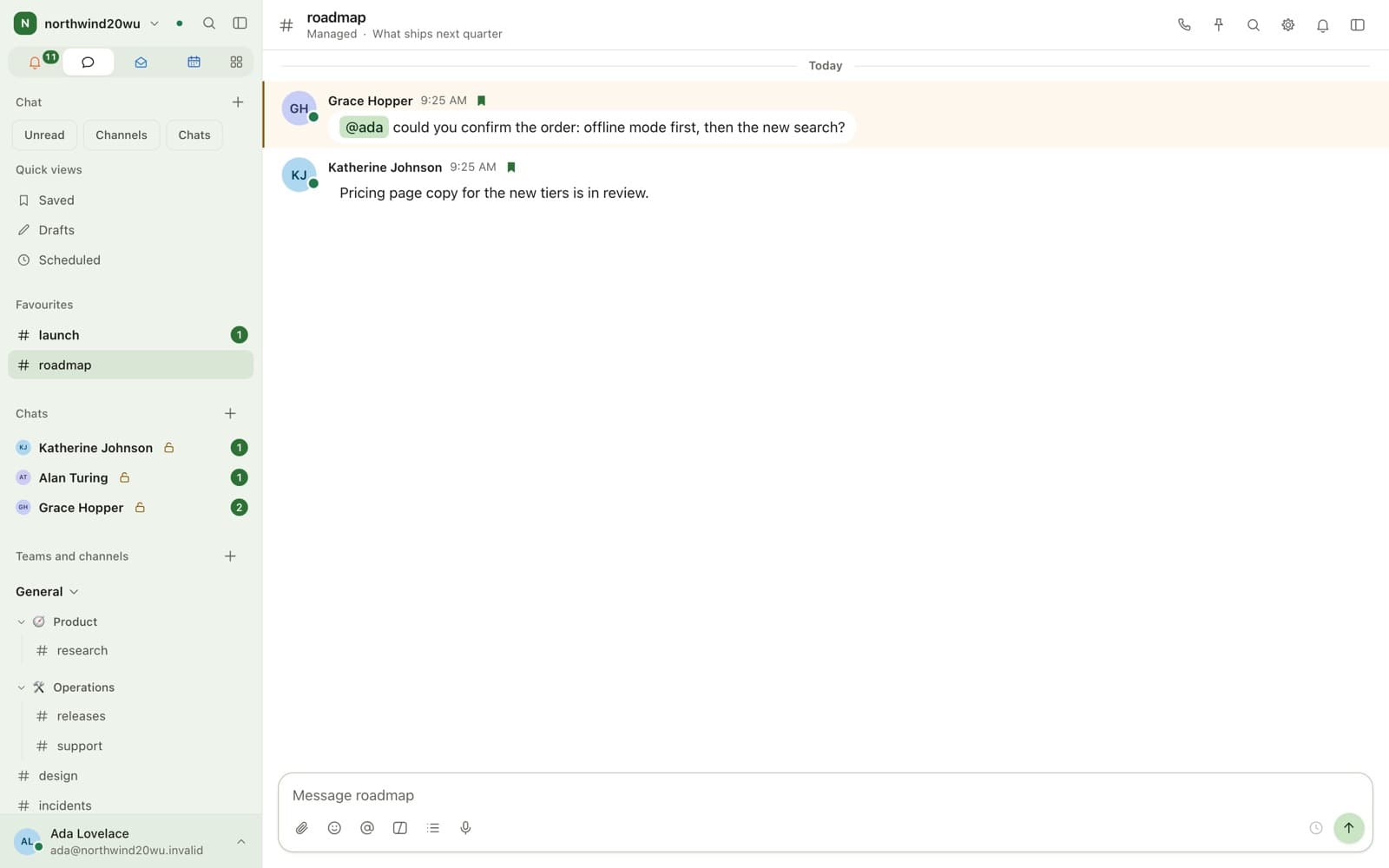
How does search work in encrypted rooms?
Channels are indexed on the server, including text extracted from files. Encrypted rooms are searched on your device against a local index.
- Structure
- Teams → categories → channels → threads
- Direct messages
- End-to-end encrypted, no administrator override
- Search
- PostgreSQL full-text over channels and file contents
- Formatting
- Full Markdown, code blocks, tables, LaTeX
- Permissions
- Bitmask checked in the data layer, not the interface
What it does not do
- Group channels are server-readable by default, which is what makes search and compliance export possible. End-to-end encrypted channels have neither.
- A room cannot switch between encrypted and managed after it is created.
FAQ
Questions
- Yes. Direct messages and group direct messages are always end-to-end encrypted using MLS as specified in RFC 9420. There is no administrator override and no server-side copy of the plaintext.
- In managed channels the server can read messages, which makes search, retention and compliance export possible. Whether an administrator may read them is a permission the organisation grants, and every access is audited. Direct messages are encrypted.
- Yes. Managed channels are indexed on the server, including text extracted from files, with modifiers such as in:, from:, before: and after:. Encrypted rooms are searched on your own device.
Keep exploring
Works with
Bring your team over this afternoon
Free for up to 10 people, with encrypted direct messages and video calls. No payment card, no time limit, no server to run.
For businesses and organisations only — not available to consumers.