Ada Lovelace
is calling about “Design sync”
Video calls
How it works
- 1
How do calls start?
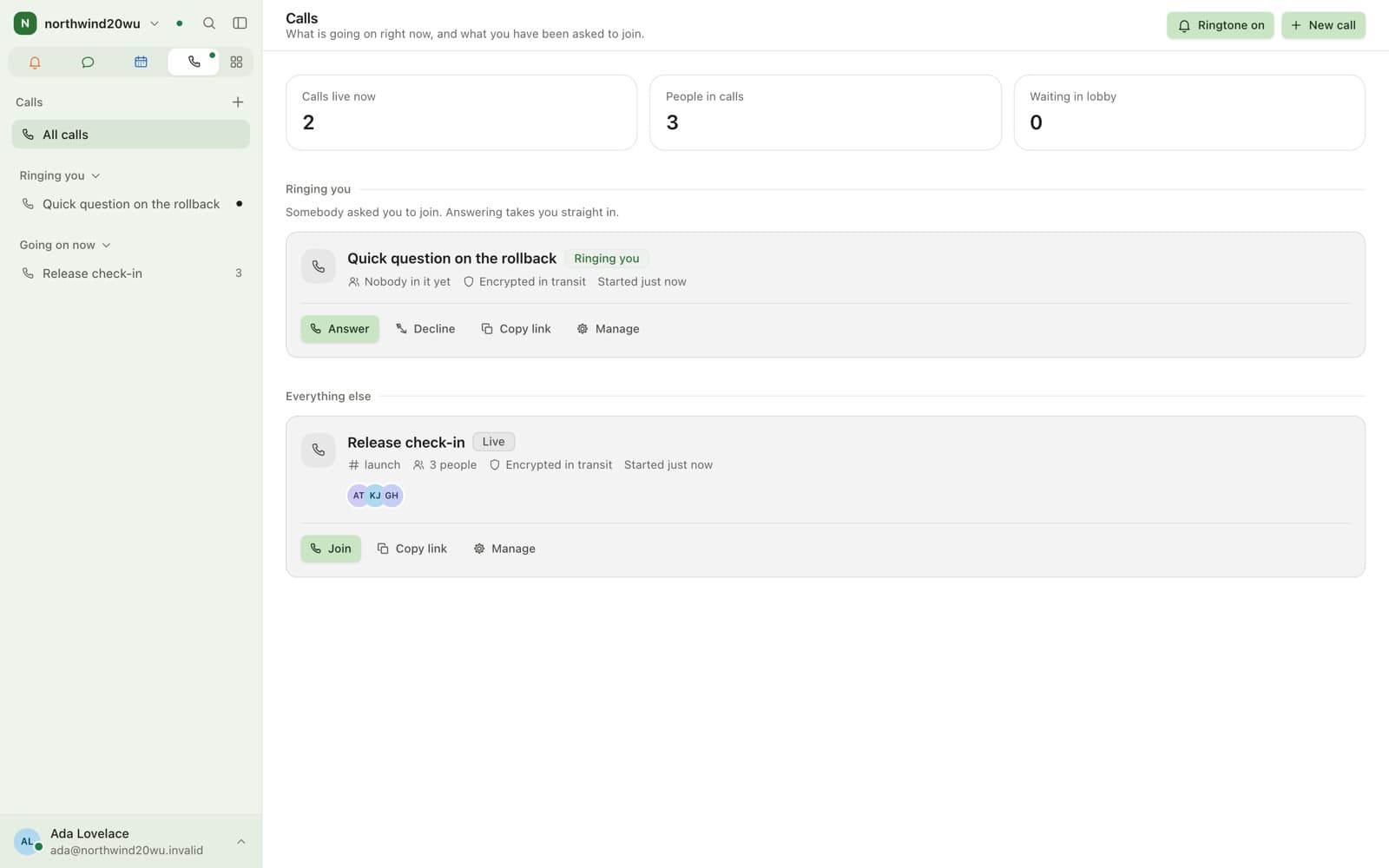
From the room. A call inherits the membership and permissions of the channel or conversation it began in.
- Start from any channel or direct message
- Incoming-call notification with a ringtone
- Join from several devices at once
- 2
What is in a call?
Screen sharing, in-call chat, reactions, raise hand and noise suppression. Hosts get a lobby and controls.
- Lobby, mute, remove, transfer host
- End the call for everyone
What does encryption change?
In an encrypted room the media server forwards packets it cannot decode. Recording and dial-in would need decoding, so they are not offered there.
At a glance
Video calls in brief
- Media server
- LiveKit, selective forwarding
- Call types
- One-to-one and group, audio or video
- Screen sharing
- Web and desktop
- Encrypted calls
- Insertable-streams media encryption
- Host controls
- Mute, remove, transfer host, end call
- Design target
- 50 participants per media node
Limits
What it does not do
Fifty participants per media node is a design target, not a measured figure.
Finished recording files, dial-in, live captions, breakout rooms and transcription are not built.
Keep exploring
Works with
See it in practice
FAQ
Questions
- All calls are encrypted in transit. In end-to-end encrypted rooms the media is additionally encrypted end to end, so the media server forwards streams it cannot decode.
- The system is designed and instrumented for fifty participants per media node, with scale-out beyond that as an operational step. That is a design target rather than a measured result.
- Only in managed rooms; recording would require decrypting media outside an encrypted room. The pipeline accepts recording jobs today; delivery of finished files is still being completed.
Bring your team over this afternoon
Free for up to 10 people, with encrypted direct messages and video calls. No payment card, no time limit, no server to run.
For businesses and organisations only — not available to consumers.