Guides
Pick the product you are leaving
Each guide names what maps well, what maps badly, and what has no equivalent at all.
Every migration
What every one of these migrations has in common
- 1
Rebuild only what is alive. In most organisations a minority of rooms have been used this quarter, and recreating the rest is the largest avoidable cost in the whole exercise.
- 2
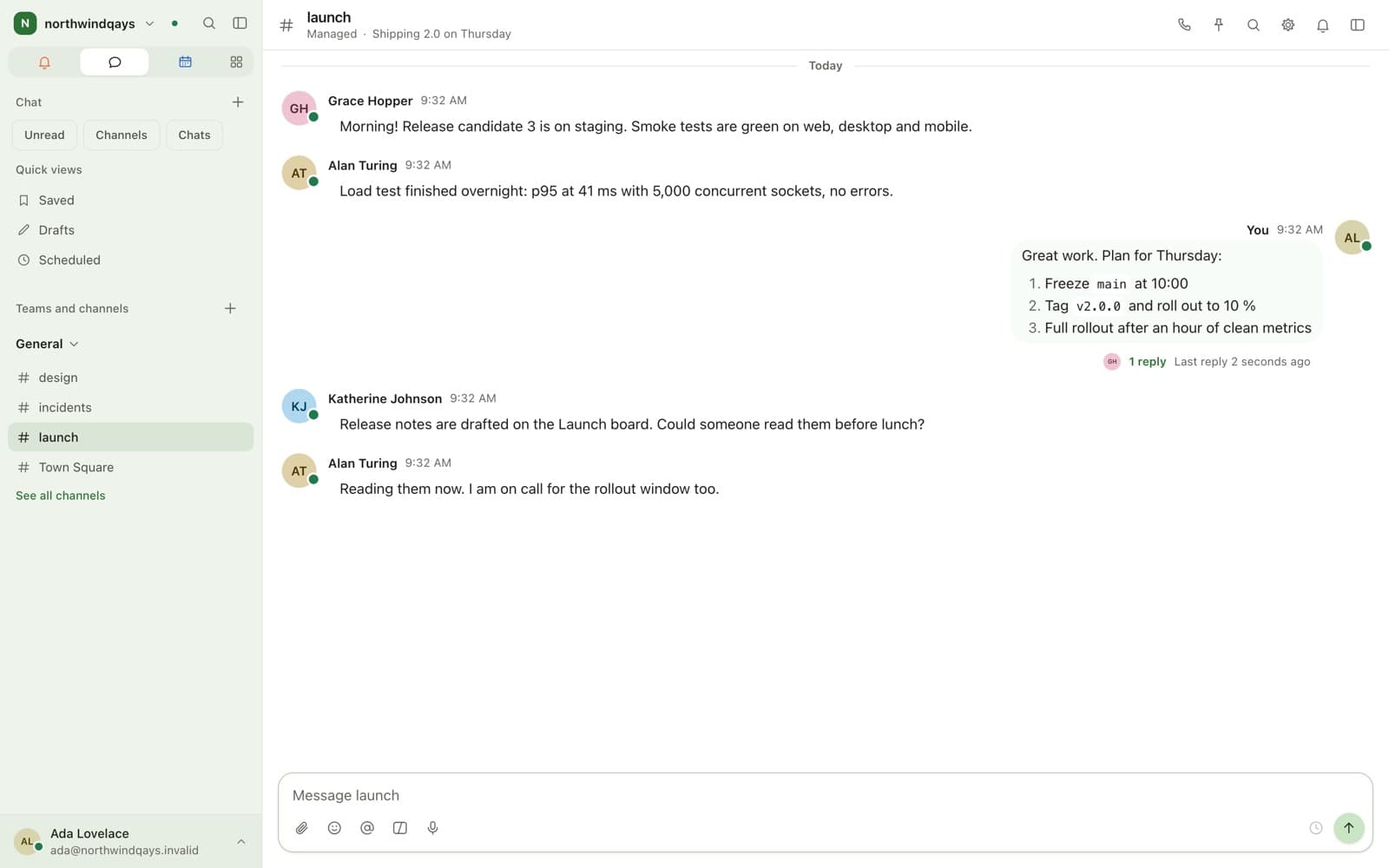
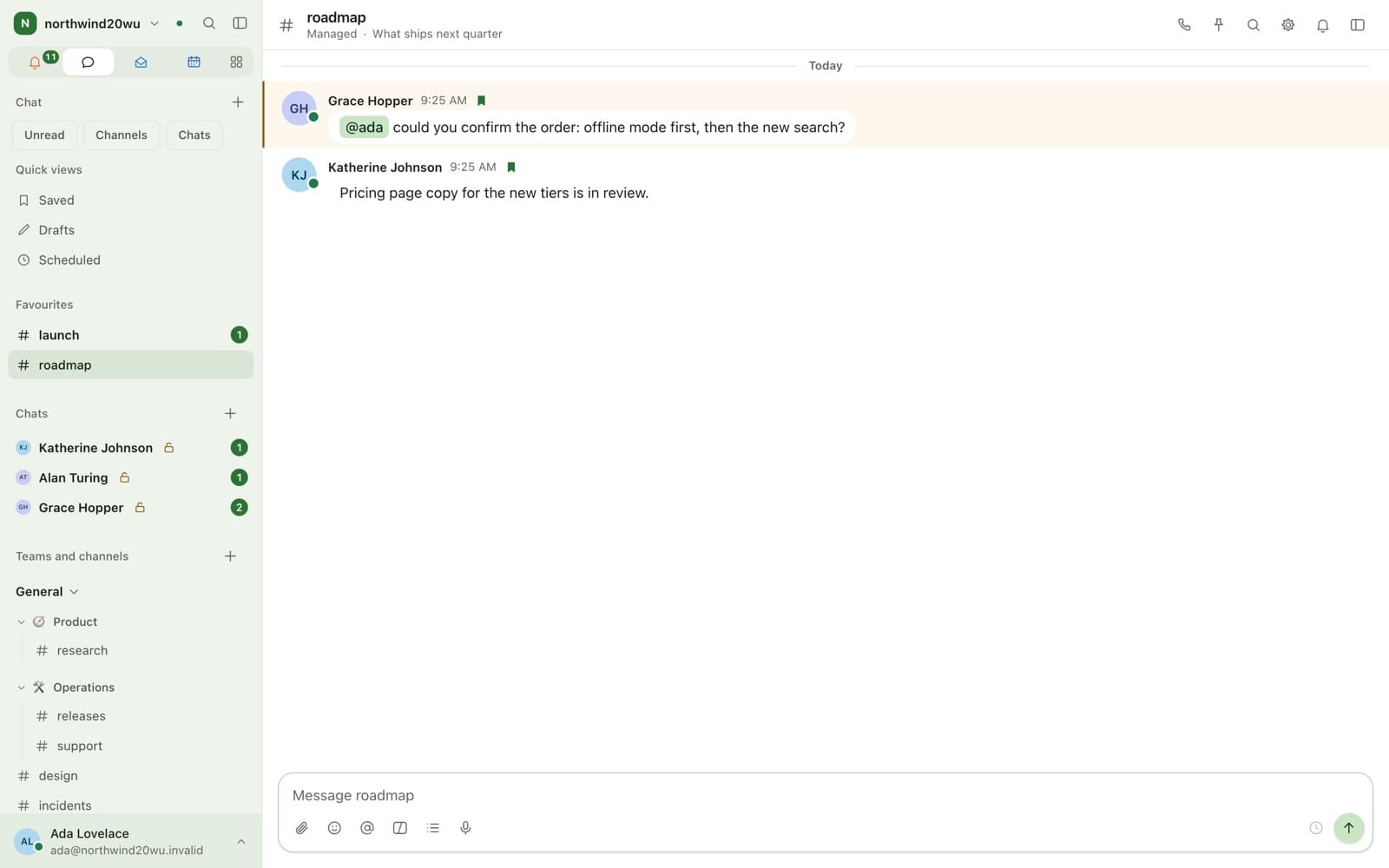
Decide each room’s mode before creating it. A managed room is searchable, retainable and exportable; an end-to-end encrypted room is none of those and cannot be read by any administrator. The mode is fixed at creation and cannot be changed.
- 3
Answer questions in the new place even when they were asked in the old one. A parallel run only ends if the answers move.
- 4
Make the old system read-only on an announced date. One that stays writable never empties, and a permanent split costs more than either product alone.
- 5
Take the archive out of the old product before the subscription ends, because export access usually goes with it.
- 6
Trial the move on the Free plan first — up to 10 active members, with no time limit, no payment card and nothing to cancel.
Bring your team over this afternoon
Free for up to 10 people, with encrypted direct messages and video calls. No payment card, no time limit, no server to run.
For businesses and organisations only — not available to consumers.