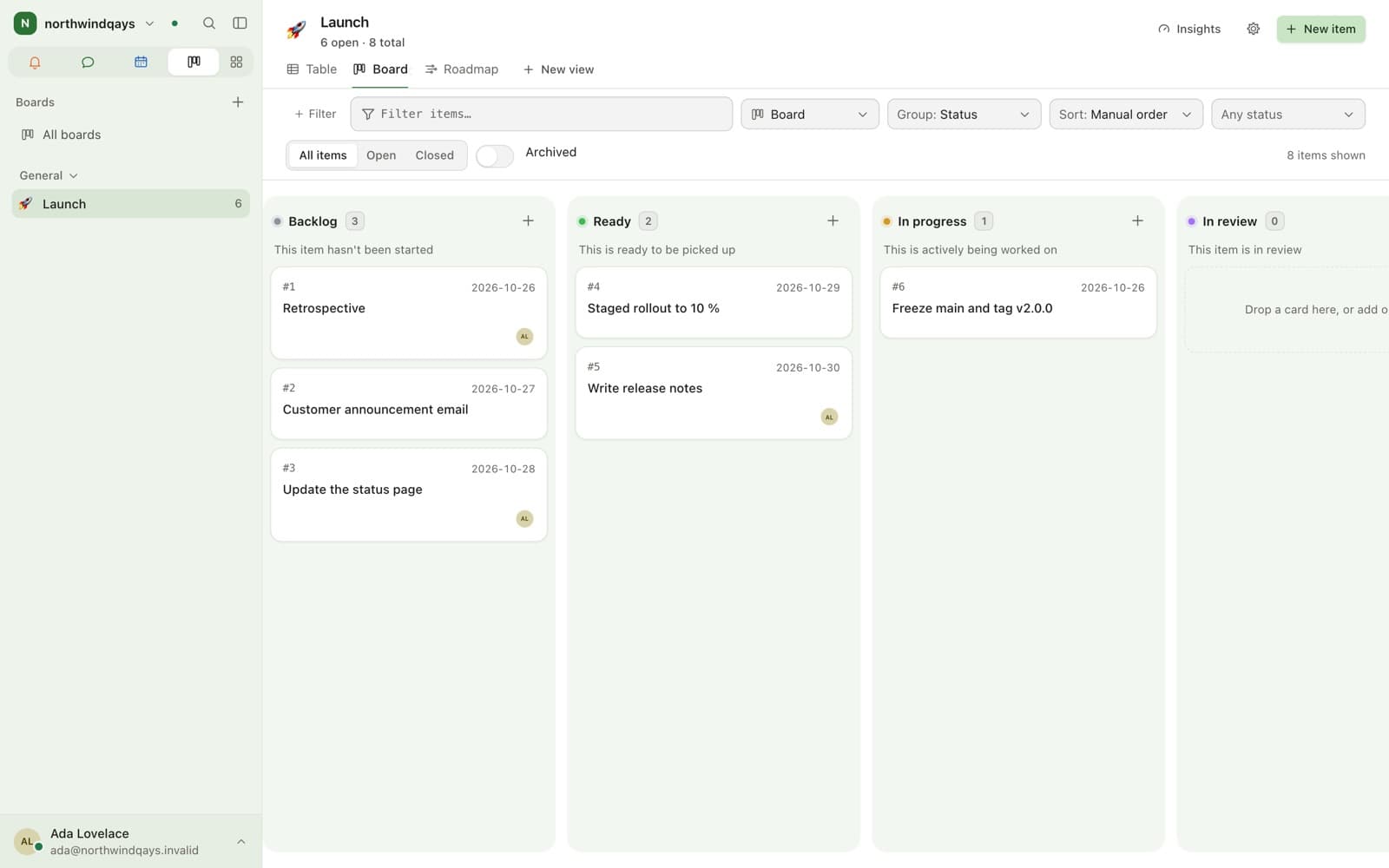
Why a board inside chat?
One access model instead of two. A board belongs to a team, and a card links back to the message where the work was agreed.
- Uses the team’s roles
- Cards reference their room and message
- Changes can post into the owning channel
GH# releaseLet’s ship the export fix before Friday.
To do
Doing
Export fixmessage
Done
What do boards not do?
A board is a shared list of work with columns and owners. That is the whole of it.
- Availability
- Module, off by default
- Permissions
- Inherited from the owning team
- Linking
- Cards reference the room and message they came from
- GitHub
- Optional two-way sync, requires the boards module
What it does not do
- Boards are off until an administrator switches the module on.
- The GitHub connector requires the boards module, because its cards are board cards.
FAQ
Questions
- Yes, as an optional module. Boards are owned by a team, use its roles, and link cards back to the conversation the work came from.
- No. A board inherits the roles of the team that owns it, so the people who can see the team’s channels are the people who can see its board, subject to the same permission bits.
- No, and they are not meant to. There are no dependencies, automation rules, cross-board views or reporting charts. Boards keep the work next to the conversation.
Keep exploring
Works with
See it in practice
Bring your team over this afternoon
Free for up to 10 people, with encrypted direct messages and video calls. No payment card, no time limit, no server to run.
For businesses and organisations only — not available to consumers.