What is on a project?
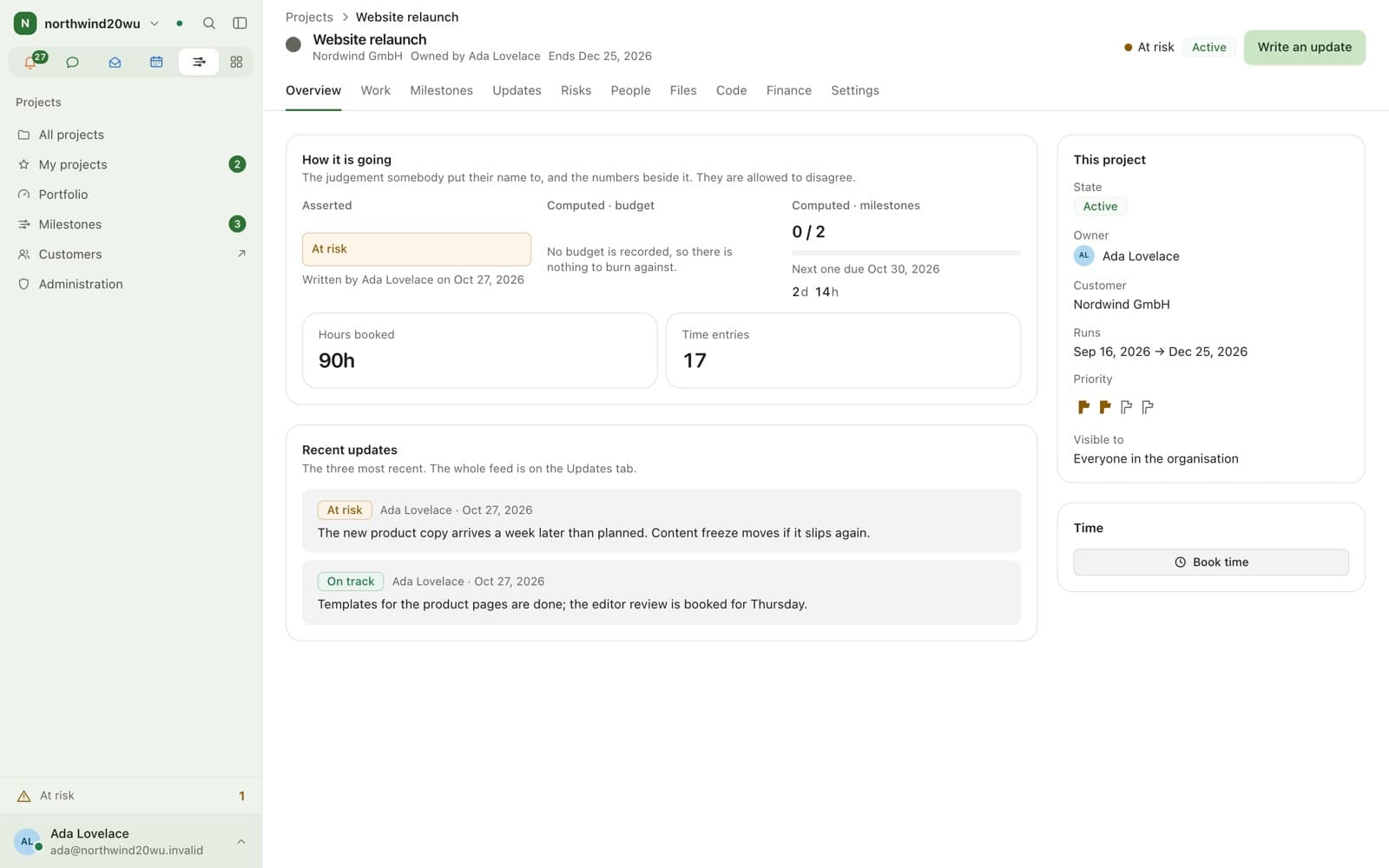
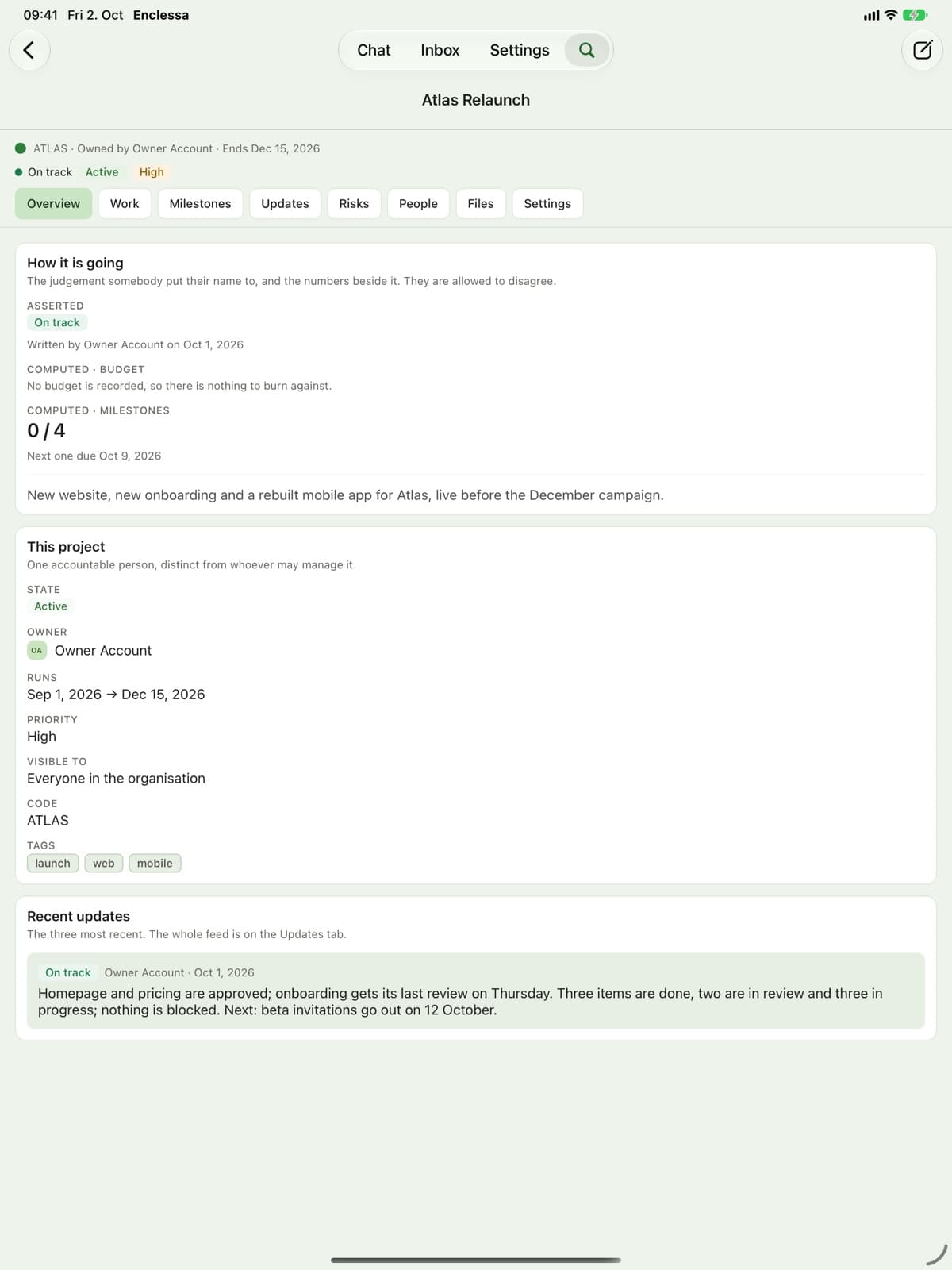
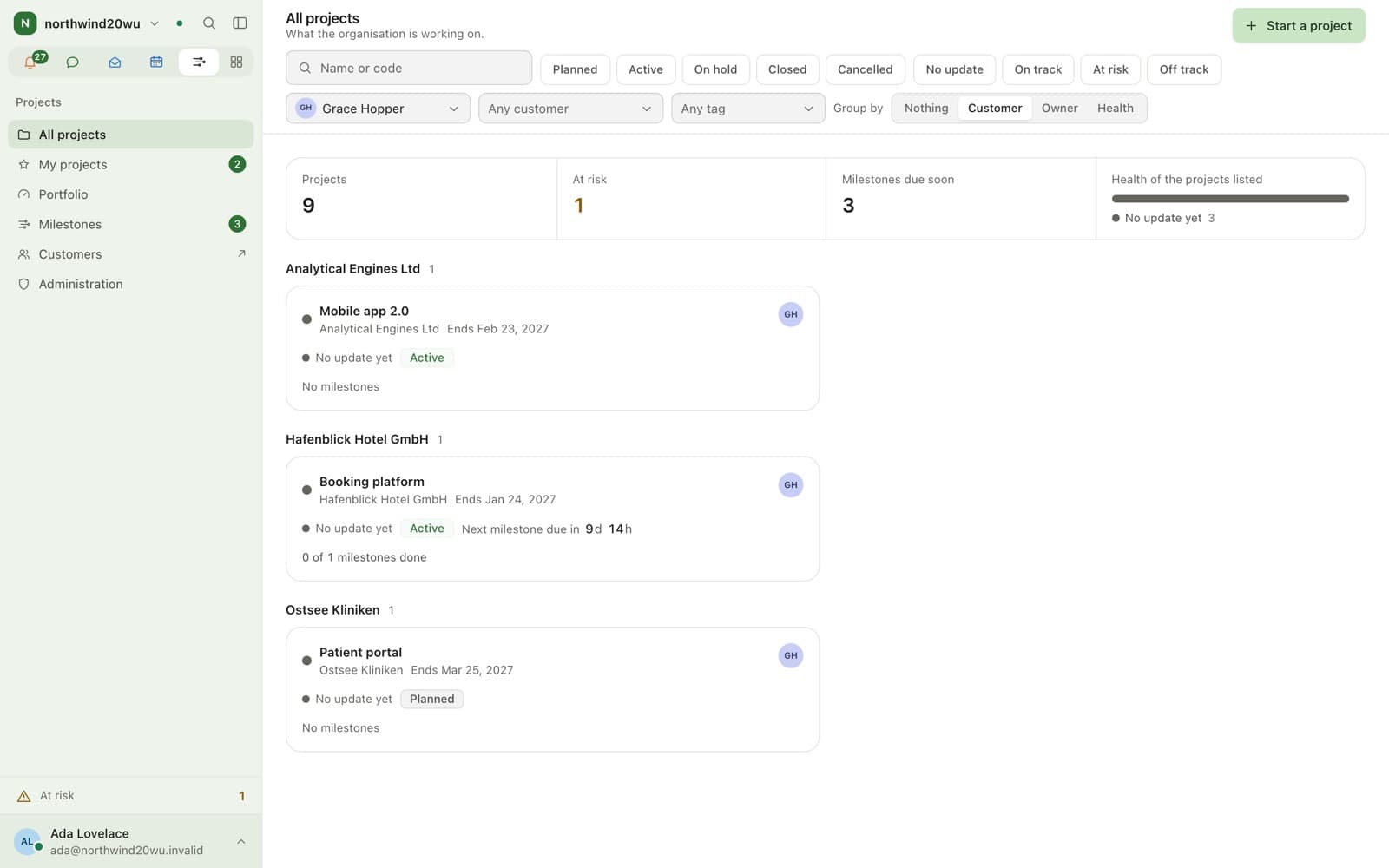
What somebody has to answer for: owner, customer, budget, dates and people, then the record that builds up while it runs.
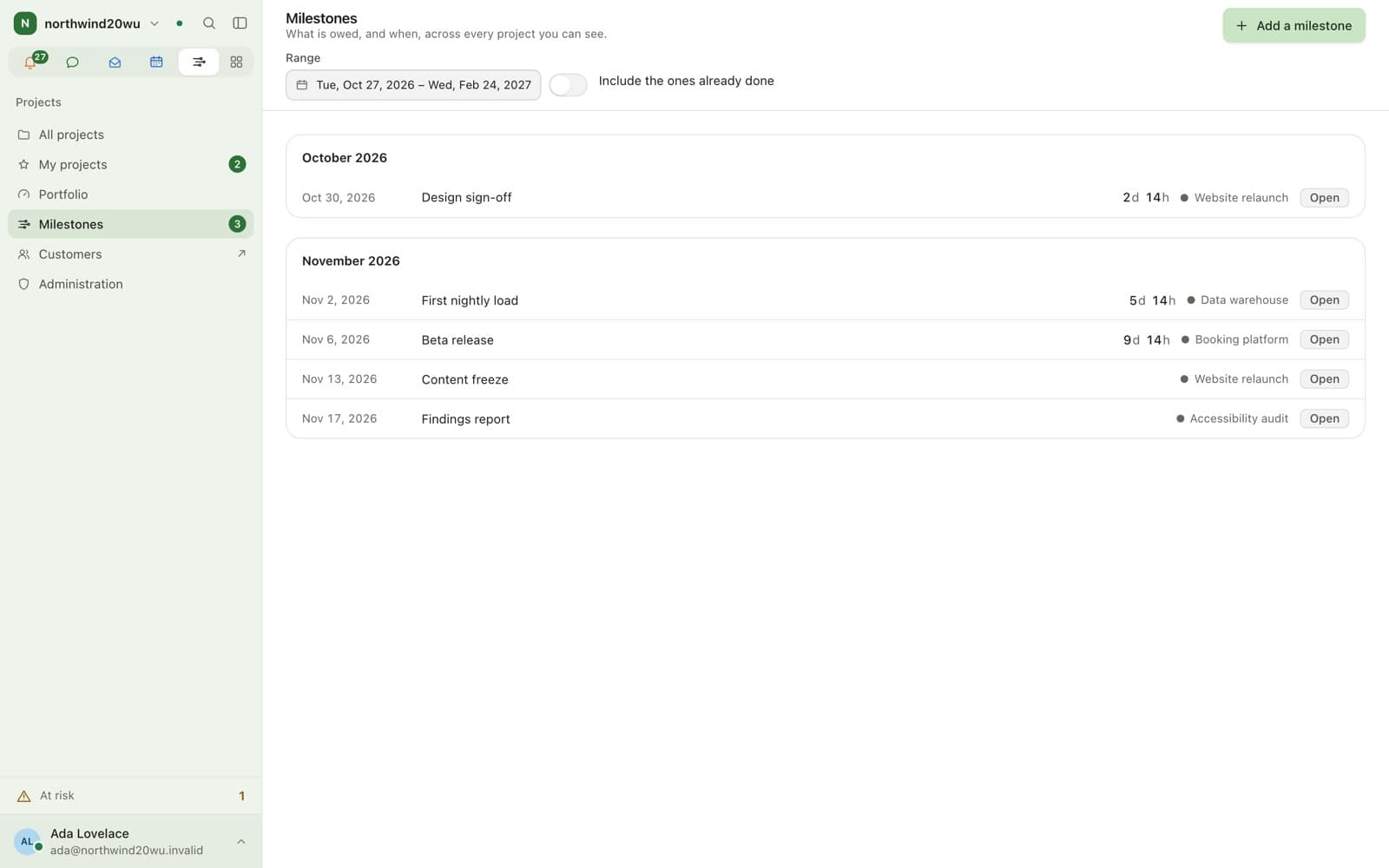
- Milestones on a timeline across every project
- Status updates with a health word and a name
- A log of risks and decisions
Website relaunchOn track
- Boards
- Time
- Customers
- Contracts
- Finance
What changes with Time?
Each project decides whether Time sees it. Switching it off stops new hours and keeps the booked ones.
At a glance
Projects in brief
- Availability
- Module, off by default
- Requires
- Nothing. It stands on its own
- Reads better with
- Boards, Time, Customers, Contracts, Finance
- Time
- A switch per project for whether it appears in Time at all
What it does not do
- No dependency graph, critical path or resource levelling.
- The day strip on the week board was not built.
Keep exploring
Works with
See it in practice
FAQ
Questions
- Enclessa has a Projects module: owner, customer, dates, budget, milestones, status updates, risks and decisions, linked to boards and rooms. It is not a scheduling tool.
- No. Projects requires nothing. Boards, Time and Customers each add a panel to a project when they are installed.
- Yes, when the Time module is installed. Each project carries a switch for whether it appears in Time at all, and switching it off stops it accepting new hours without losing any hour already booked.
Bring your team over this afternoon
Free for up to 10 people, with encrypted direct messages and video calls. No payment card, no time limit, no server to run.
For businesses and organisations only — not available to consumers.