- Availability
- Module, off by default
- Requires
- Nothing. It stands on its own
- A customer can be
- A company or a person
- Contacts
- Never accounts, and never able to sign in
Why not an address book?
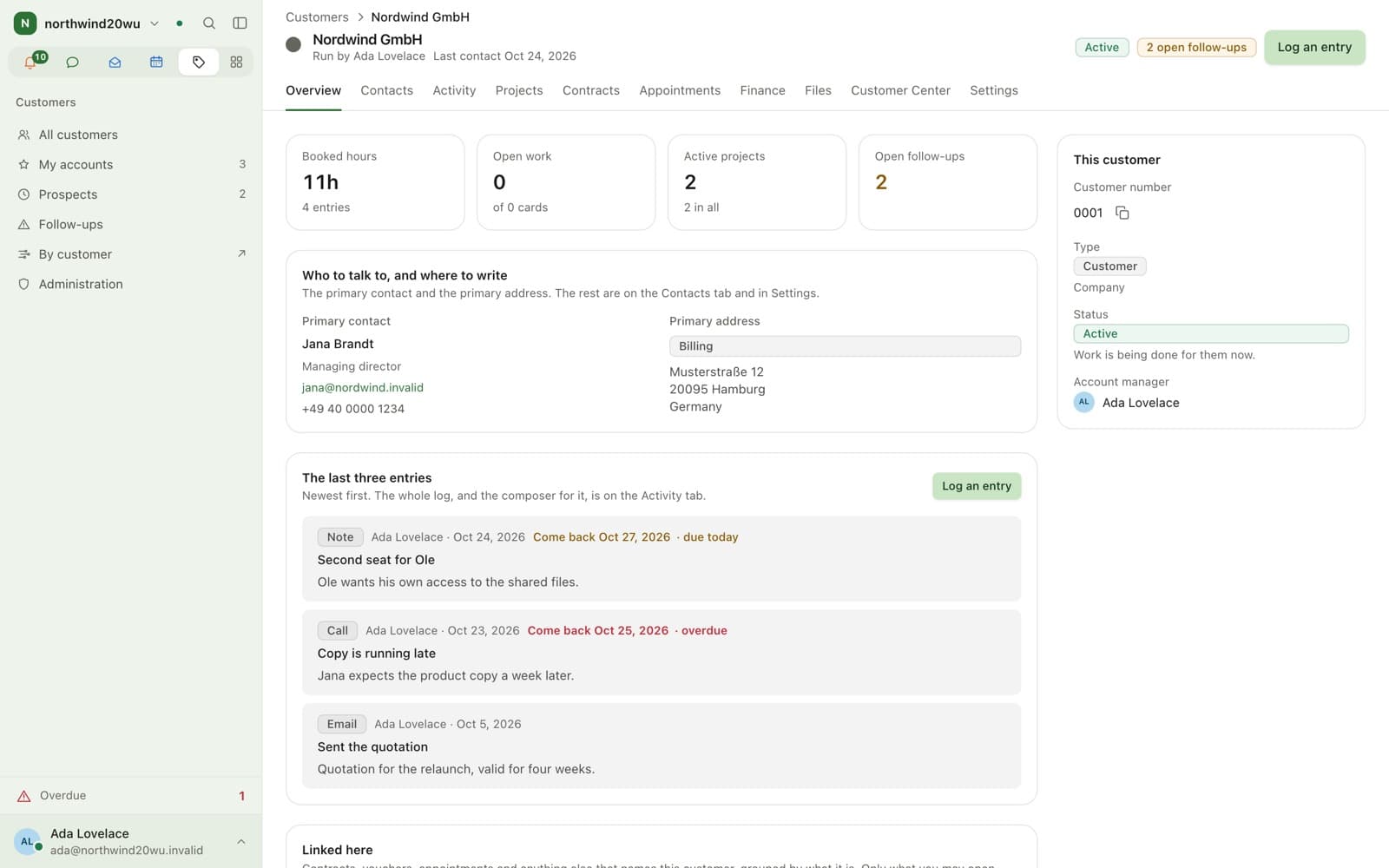
Because the other modules answer to it. A record shows the projects, hours, appointments and last conversation, each resolved for the reader.
- Contacts, never accounts
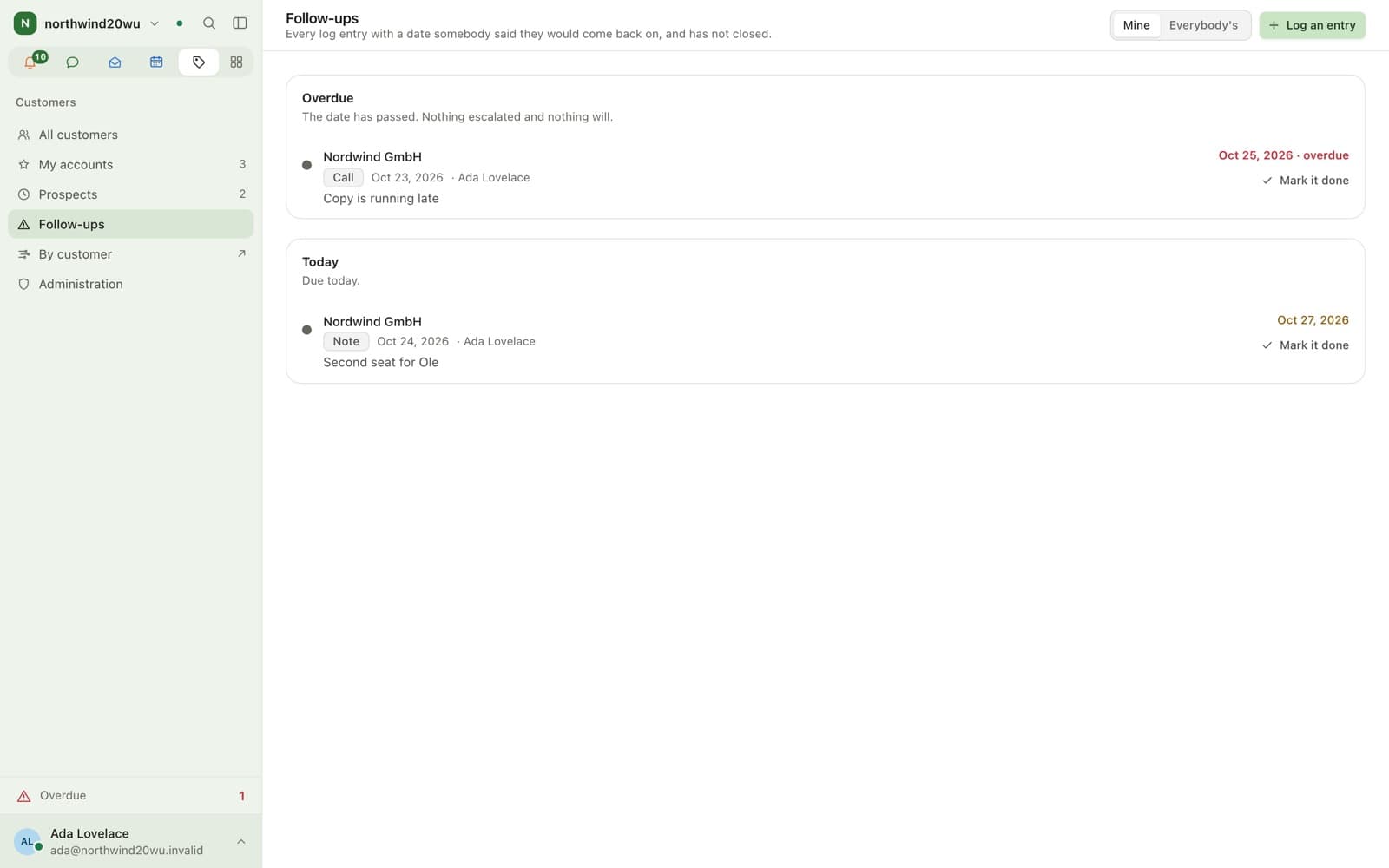
- Activity log with follow-up dates
- Invoicing details behind their own permission
Northwind GmbHCustomer
- Projects
- Hours
- Bookings
- Mail
Invoicing detailsabsent for you
Who sees the commercial side?
A field nobody present may see is absent, not greyed out.
What it does not do
- A contact is a record, not a login. Client access is the Customer Center.
- Not a sales pipeline: no deals, stages, forecasts or quotas.
FAQ
Questions
- Enclessa has a Customers module: companies, contacts, addresses, an activity log and follow-up dates, with the projects, hours and appointments that point at them. It is not a sales pipeline.
- Not into Enclessa itself. With the Customer Center module, a contact signs in by emailed link to a portal showing only what was shared with them.
- Only somebody holding the permission for them. Where nobody present holds it the fields are absent rather than blank, because a greyed-out box discloses that a figure exists.
Keep exploring
Works with
See it in practice
Bring your team over this afternoon
Free for up to 10 people, with encrypted direct messages and video calls. No payment card, no time limit, no server to run.
For businesses and organisations only — not available to consumers.